
Vidari Studio or OBS Studio: what is the difference?
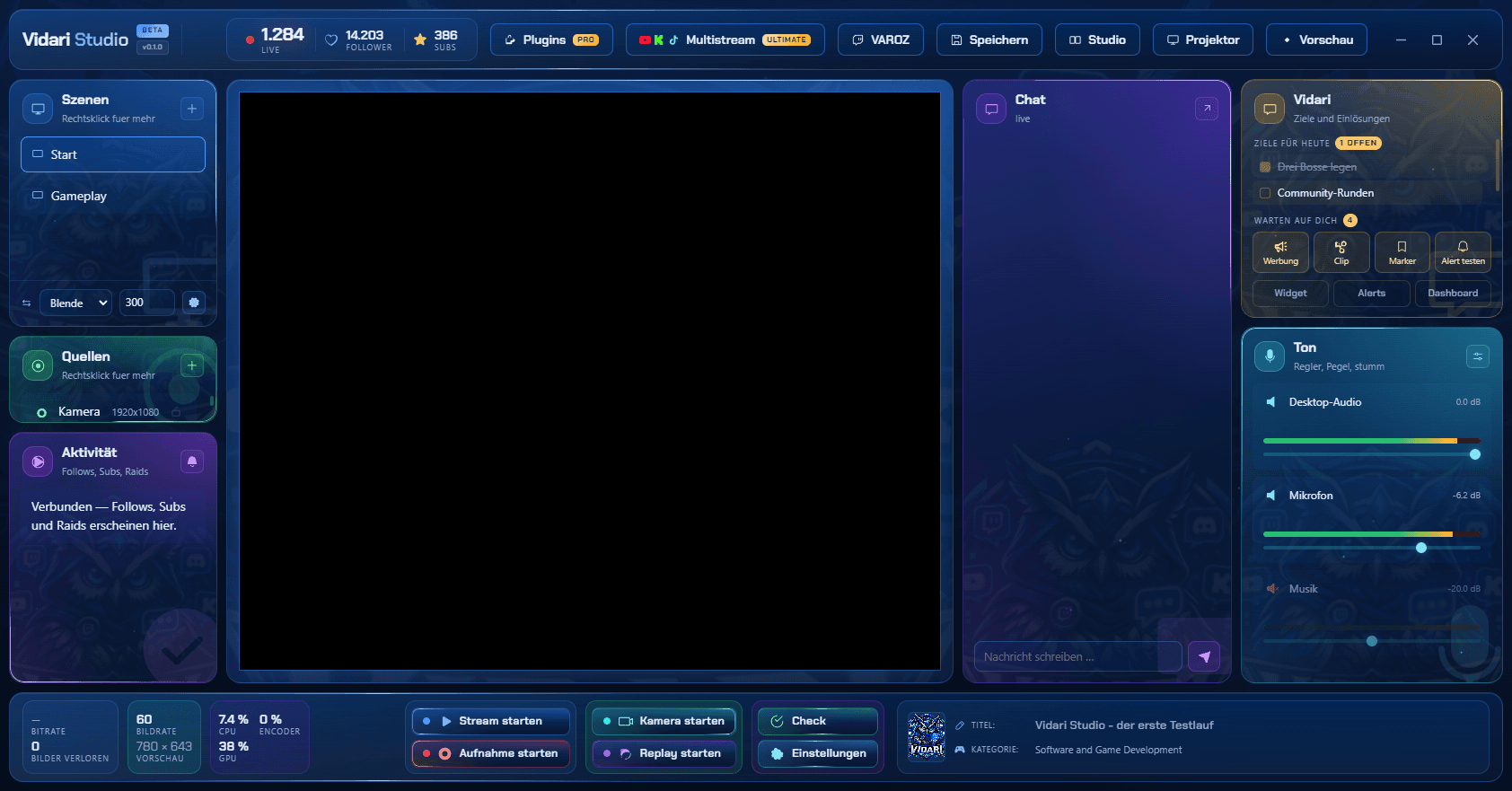
Vidari Studio is not a competitor out of nowhere: it builds on OBS Studio, saves scenes in the same format and takes over your setup. The difference is in what is built in around the broadcast.
Last reviewed:
What both have in common
- Both are free and licensed under the GPLv2.
- Vidari Studio saves scenes in the same format as OBS – you can go back at any time.
- Encoder, resolution, recording and streaming to Twitch work in both without a subscription.
The differences at a glance
| Vidari Studio | OBS Studio | |
|---|---|---|
| Operating systems | Windows 10 and 11 (macOS in progress) | Windows, macOS, Linux |
| Alerts and chat | Built in, picked from a list | Through browser sources from other services |
| Change title and category | Right in the window | Through docks with a connected account |
| Microphone setup | A wizard measures voice and room and builds the filter chain | Filters by hand |
| Report after the stream | Yes, with a verdict and numbers | – |
| Vertical 9:16 output | Separate scenes for a second output | Through plugins |
| Effects | Thirteen effects with named sliders | Through plugins and shaders |
| Extensions | Stream Deck, Macro Deck, Spotify, VTube Studio, Discord | Large plugin ecosystem |
| Multistream | In preparation | Through plugins |
Taking over your OBS setup
On first launch, Vidari Studio finds your OBS scene collections and takes them over unchanged – scenes, sources, position, size, filters and audio, groups included. Your OBS files stay exactly as they are.
When OBS Studio is the better choice
OBS Studio remains the right choice if you stream on macOS or Linux or depend on specific plugins that only exist for OBS.
Frequently asked questions
Is Vidari Studio based on OBS?
Yes. Vidari Studio builds on OBS Studio and is therefore licensed under the GPLv2 like OBS. It uses the same scene format and adds built-in alerts, a mixer, a microphone calibration and a session report.
Can I switch back from Vidari Studio to OBS?
Yes. Vidari Studio saves scenes in the same format as OBS, and your original OBS files are not changed during the takeover.
Do my OBS plugins run in Vidari Studio?
Vidari Studio ships its own extensions for Stream Deck, Macro Deck, Spotify, VTube Studio and Discord. There is no guarantee for any specific OBS plugin – if you depend on one, test it before switching or stay with OBS Studio.
Keep reading
Get Vidari Studio for free
For Windows 10 and 11. Takes over your OBS setup, and you can go back any time.
Go to Vidari Studio